
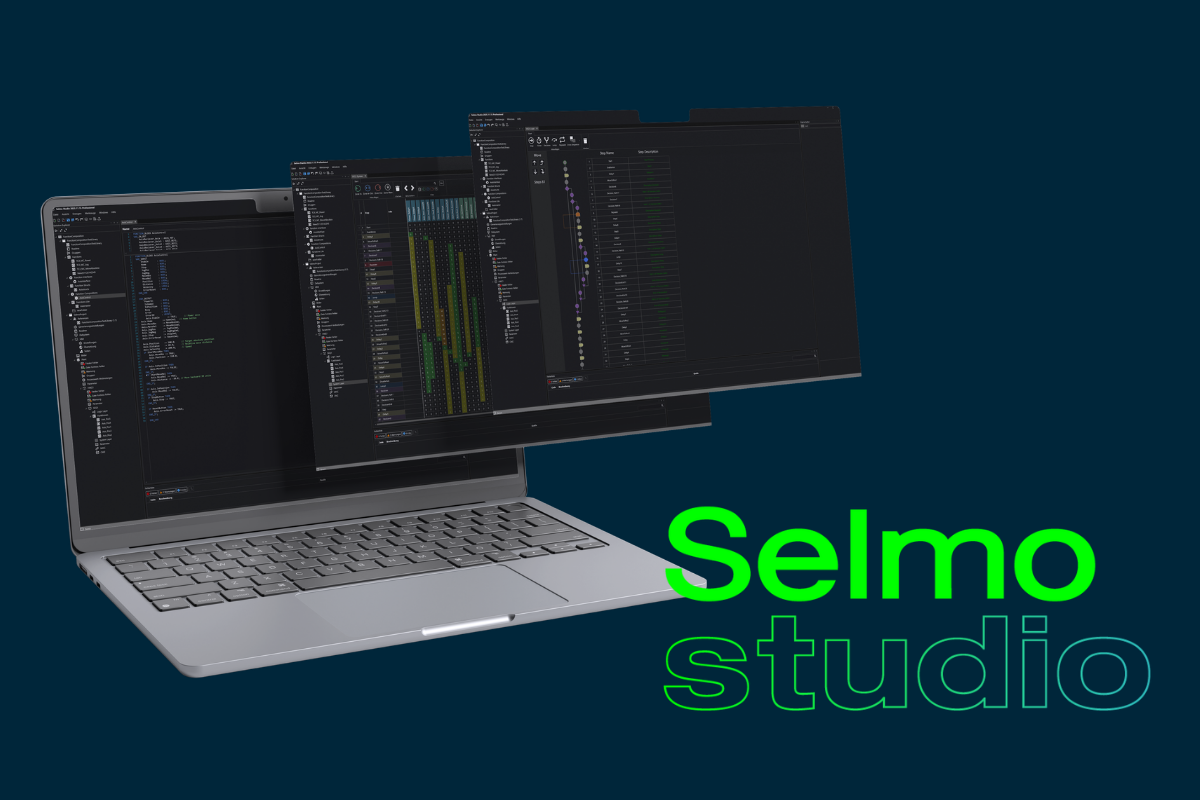
Our Selmo Studio is now available. We've tested and incorporated your feedback from the beta version and here it is - the official release of Selmo Studio: more powerful, more structured and more user-friendly than ever before.
What's new?
With the new release, we have made extensive technical and visual improvements to Selmo Studio: an optimized user interface, modern editors, better performance and a clear project structure make working more efficient and enjoyable than ever.
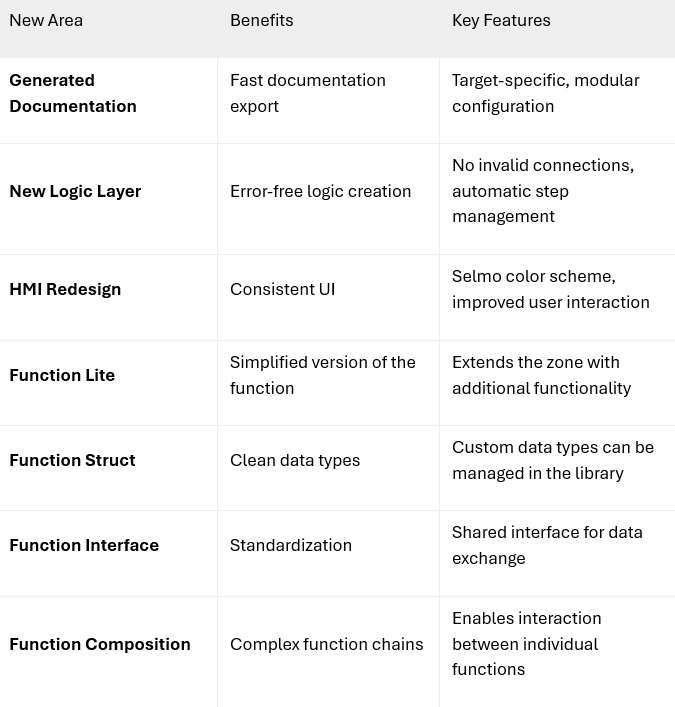
Here is an overview of the new features:
Would you like to find out more?
Below you will find a detailed description of all the new features.
What is the Selmo Studio?
Selmo Studio is our platform for the model-based creation and implementation of automation projects. Instead of writing PLC code manually, our users model the process of their machine directly in the Selmo Studio.
Our aim is to provide machine logic that is standardized, documented, reusable, platform-independent and traceable. To achieve this, we rely on a no-code environment that can be extended with low-code elements if required. This allows both simple and complex automation solutions to be implemented efficiently.
Detailed Description of the New Features
-
1. Generated Documentation
Provides automatically generated documentation for your process model. Optionally, the generated code and the Selmo standard can be included to complete the documentation.
- Fully describes the process model
- Output in Markdown format
-
2. Logic Layer Redesign
Restructuring of the logic layer into a simplified and valid form.
- No invalid logic modeling possible
- New, simplified design
- No invalid connections allowed
- Step descriptions provided in tabular form
- Step connections are managed automatically
-
3. HMI Redesign
New design of the web HMI and the user concept.
- Customizable color scheme
- New color scheme for improved user handling
- Improved operating concept
-
4. Function Lite
Simplified version of a function without memory functionality. Suitable for simple mathematical operations or conversions.
- Extended input/output zone
- Hardware connectivity possible
- Function arguments can be defined
-
5. Function Struct
The Function Struct View is used to create and manage custom data types (structs) that can later be used in functions. This enables cleanly structured function interfaces and a clear representation of complex data.
- Define custom data types (structs)
- Bundle variables within a single data type (e.g. status + values)
- Use data types as inputs and outputs in functions
-
6. Function Interface
A Function Interface describes how two software components can communicate with each other without defining how they are implemented internally.
- Contract between components
- Decoupling (low dependencies)
- Interchangeability and extensibility
- Standardized communication
- Support for testing and simulation
- Clear structure and documentation
-
7. Function Composition
Function Composition is a higher-level element for composing individual functions. It serves as a central instance to structurally connect multiple functions and control their interaction.
Responsibilities include:- Central control of the function execution flow
- Data exchange via defined interfaces
- Management of receivers that provide or consume functions
-
8. Variable Export
Exports all variables of the current process model.
- Complete list of process model variables
- Includes OPC access attributes
- Output in Markdown format
Questions or interested in a trial license?
Click here for the free trial license.
Feel free to ask us your questions about the new Selmo Studio:
Support@selmo.at
.png?width=940&height=627&name=Studio%20multi%20mockup%20202526%20(1).png)